Module Settings
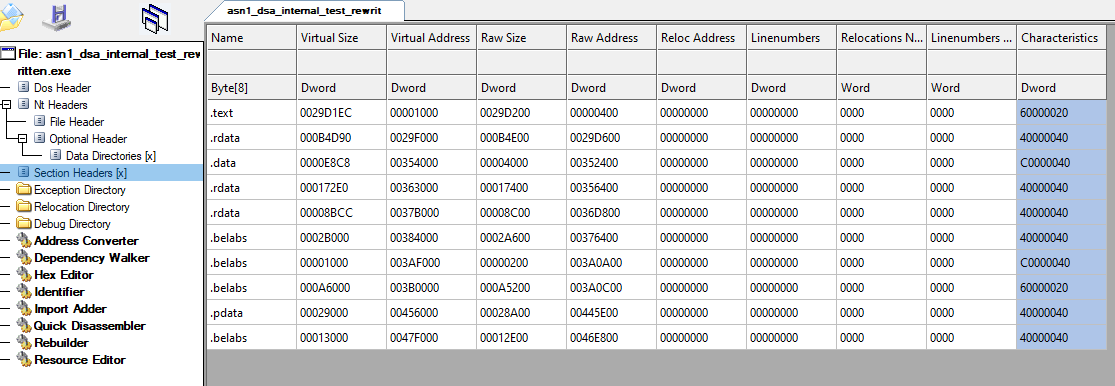
This section outlines the obfuscation settings that are applied to the entire module.
Obscure Imports
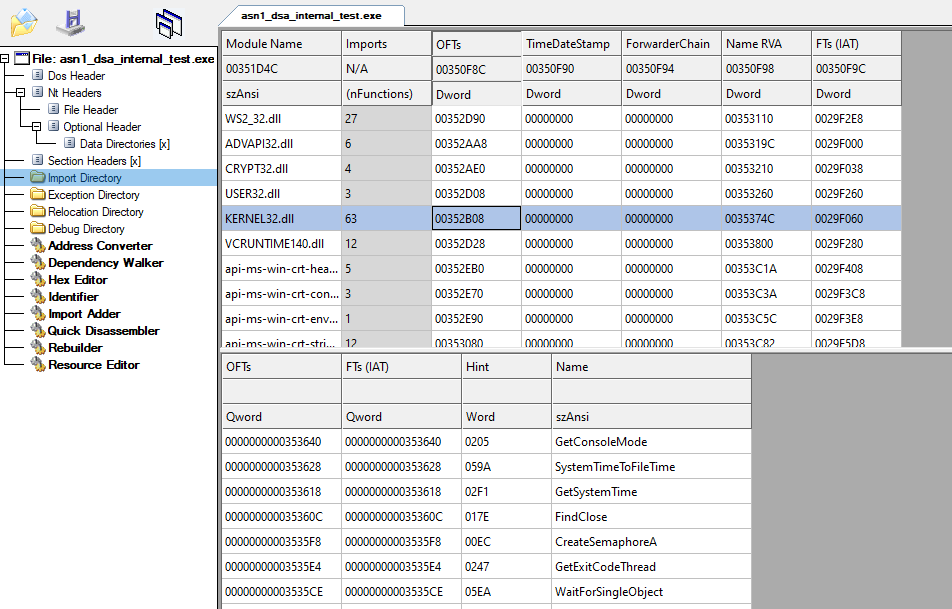
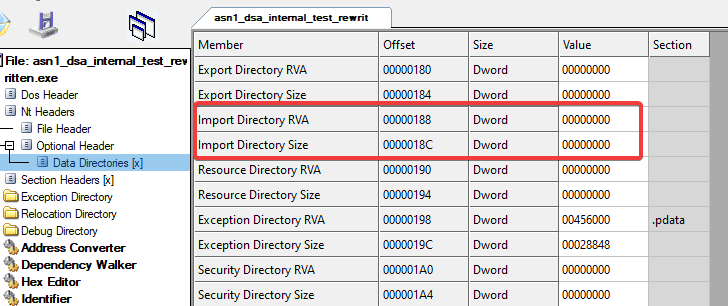
Removes all imports from the binary file and resolves them at runtime. This prevents static analysis tools from uncovering your imports automatically.
Obscure Entry Point
Obscure the entry point with anti-emulator and anti-debug techniques. This pass can only be used for Windows usermode executables. This feature does not support kernel drivers or UEFI drivers.
This does NOT work for manually mapped modules.
Clear Unwind Info
Clears unwind information from the output binary. This can help prevent locating functions, however doing so will cause all structured exception handling to not be supported.
If you are manually mapping your module and not using any structured exception handling (via RtlAddFunctionTable etc), this is something you should enable as it makes locating function bounds difficult.
Packer
This is a simple PE packer built only for the purpose of saving space. This does not add any security to your program. The entire image will become restored at runtime in memory and an attacker could dump and remove the packer. Only use this for the purpose of space saving. If you are interested in anti tamper or secure packer systems please contact us!
Vanity Features
Purely vanity features to signature and customize your binaries.
Fake PDB String
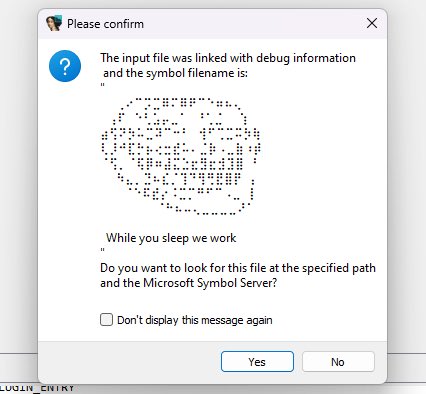
Overwrites the existing PDB string with a custom string. This can be used to display ascii art on some versions of IDA Pro and other analysis tools.
Custom Section Names
Customize the section name that will be used. Any new sections created by the framework will use this name. The section can also have a blank name.